Memberships
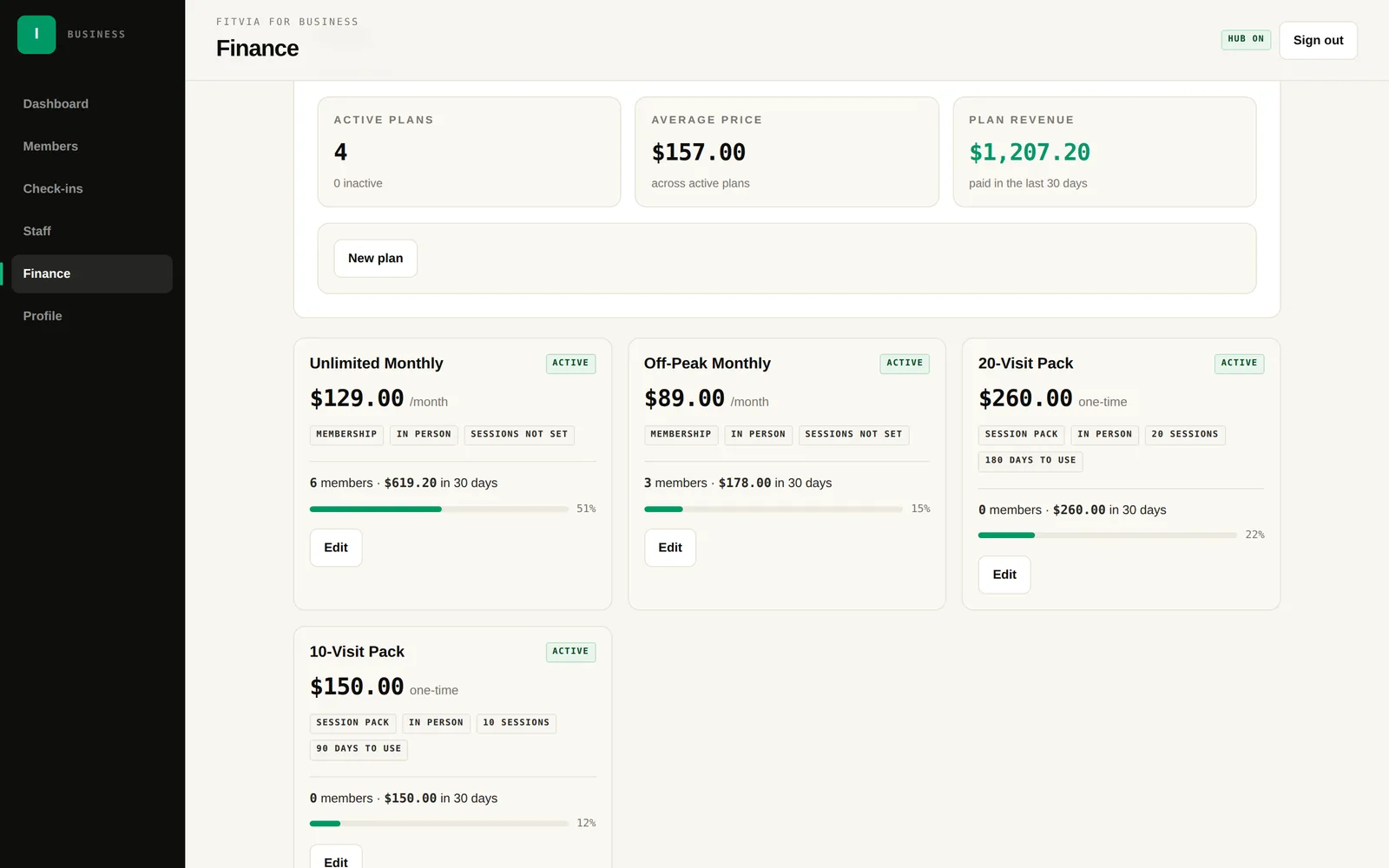
Unlimited access, or a per-period visit allowance if you want a cap. Renewals and past-due state tracked per member.
Memberships and visit packs sold from your own merchant account, and a QR at the entrance that refuses anyone whose membership lapsed, whose pack ran out, or whose payment is late.
The full workspace and your Fitvia Hub listing. No subscription.
A merchant account in your business name. Fitvia never holds the money.
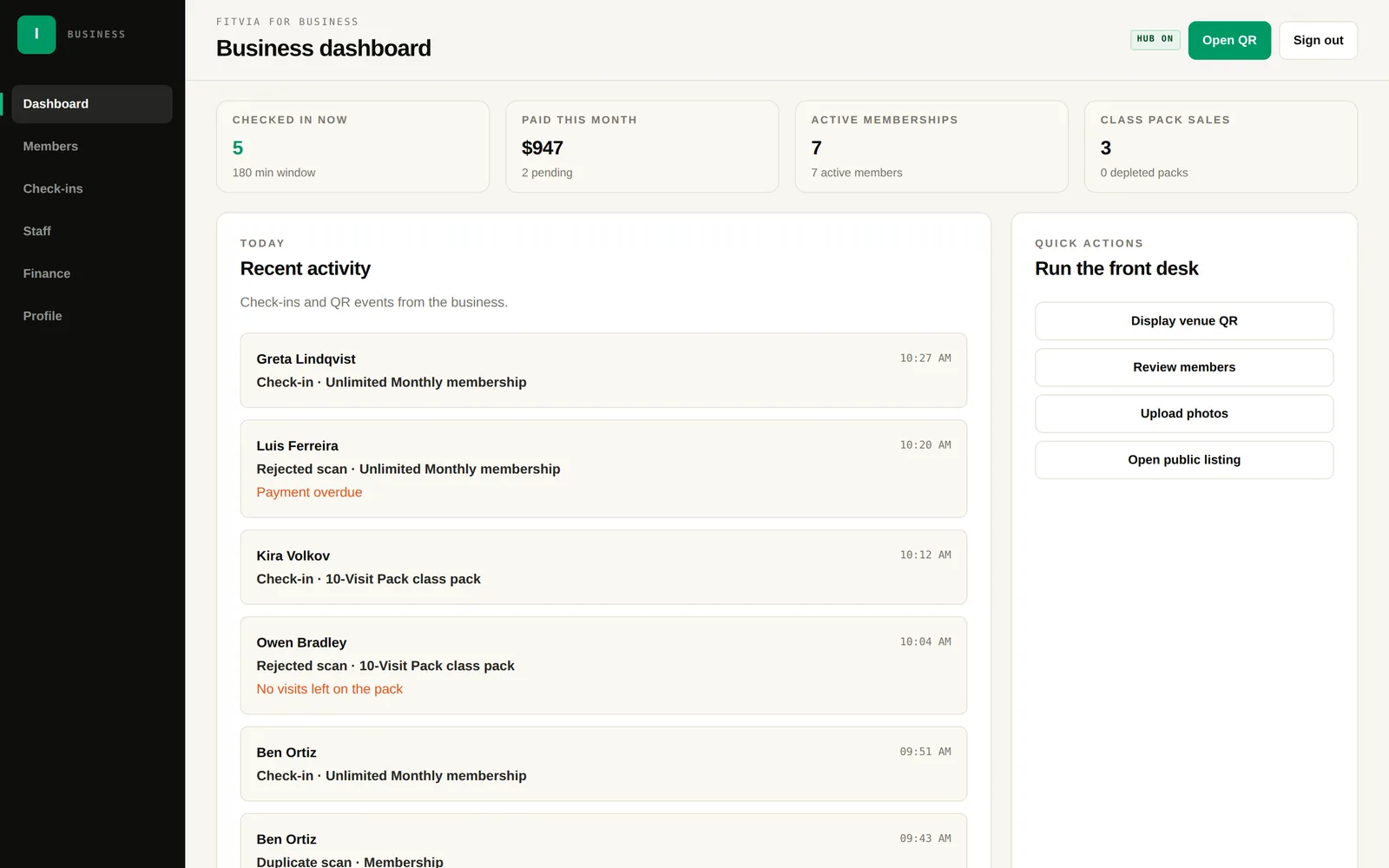
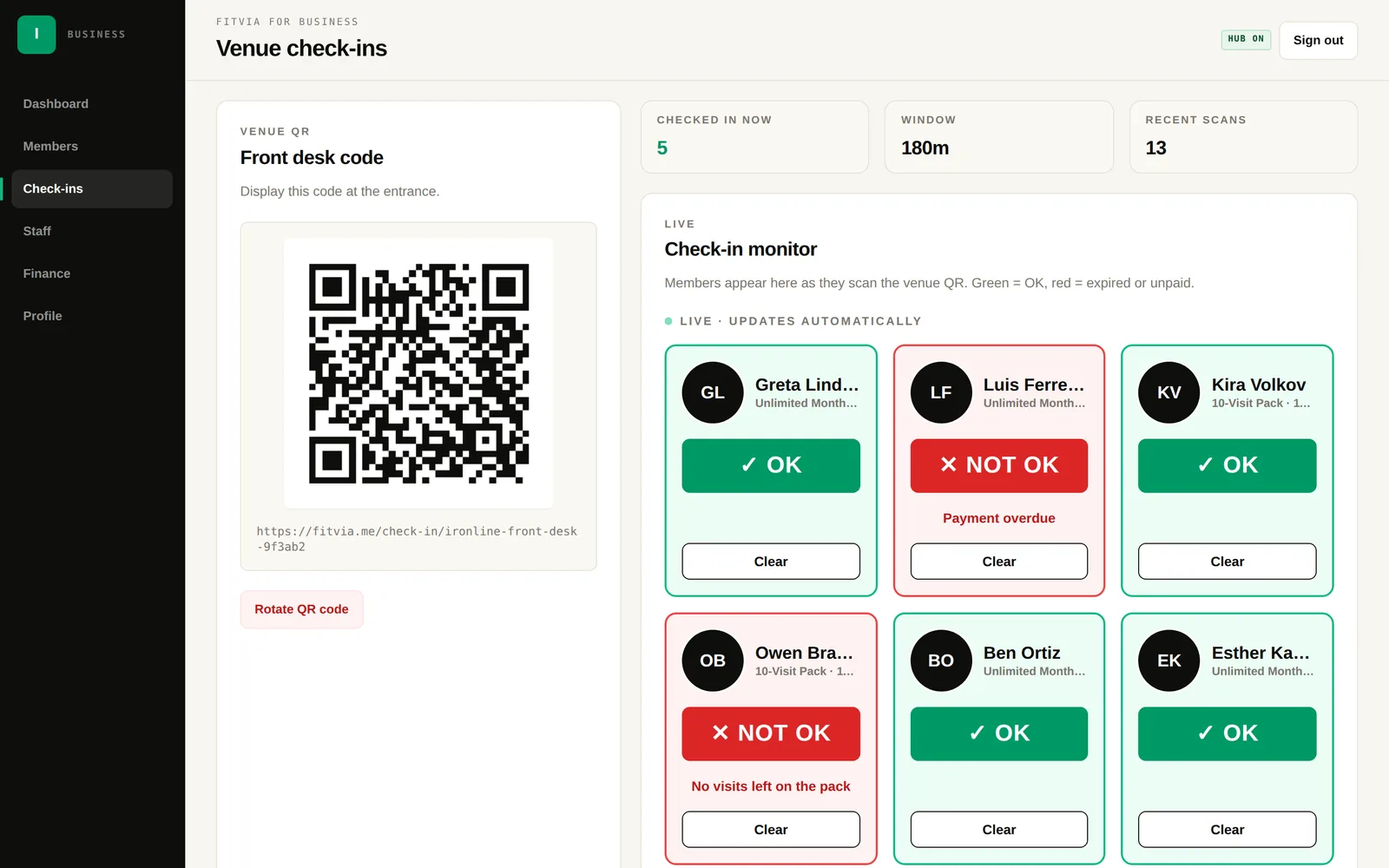
Every scan lands on the front-desk screen, green or red, with the reason.
Most gym management software collects your members' money, holds it, and pays you out later. Fitvia does not. You get a merchant account in your own business name, and every payment settles from it into your own bank account on the processor's normal schedule.
2% platform fee added on top
3.9% + $0.30
Per $100.00 membership
Taking card payments means becoming a merchant, so there is a real application: you certify at least $1,000 per month in expected processing, and your account is reviewed before your first charge goes through. Everything else on Fitvia works while that is in progress. Payment history and refunds currently live in the iPhone app rather than the browser.
Sell recurring access, prepaid visits, or both at once. Fitvia keeps the balance, the expiry, and the payment state attached to the member, so the door already knows the answer before they reach it. Approve every join request first, or let members pay immediately.
The platform fee is calculated on the discounted price, so a promotion costs you exactly what it says. Codes cannot take a charge below $1.00, and their terms lock once someone has redeemed them.
Unlimited access, or a per-period visit allowance if you want a cap. Renewals and past-due state tracked per member.
A visit count and an expiry date. A credit comes off the pack on each scan, and goes back on if you refund the payment.
Percentage or flat amount, with expiry, redemption caps and per-member limits.
You print the venue QR and put it at the entrance. Members scan it on the way in — with their phone camera, or the scanner in the iPhone app — and Fitvia checks their access before letting the scan through.
Fitvia is not a class-booking system. There is no timetable and no reserved spots — you sell access, and the QR decides who gets in. If your members need to reserve a place in a 6 a.m. class, this is not the right tool for you.
Fitness business software for the whole member flow, not just the till. See the connected client management software behind the workspace.
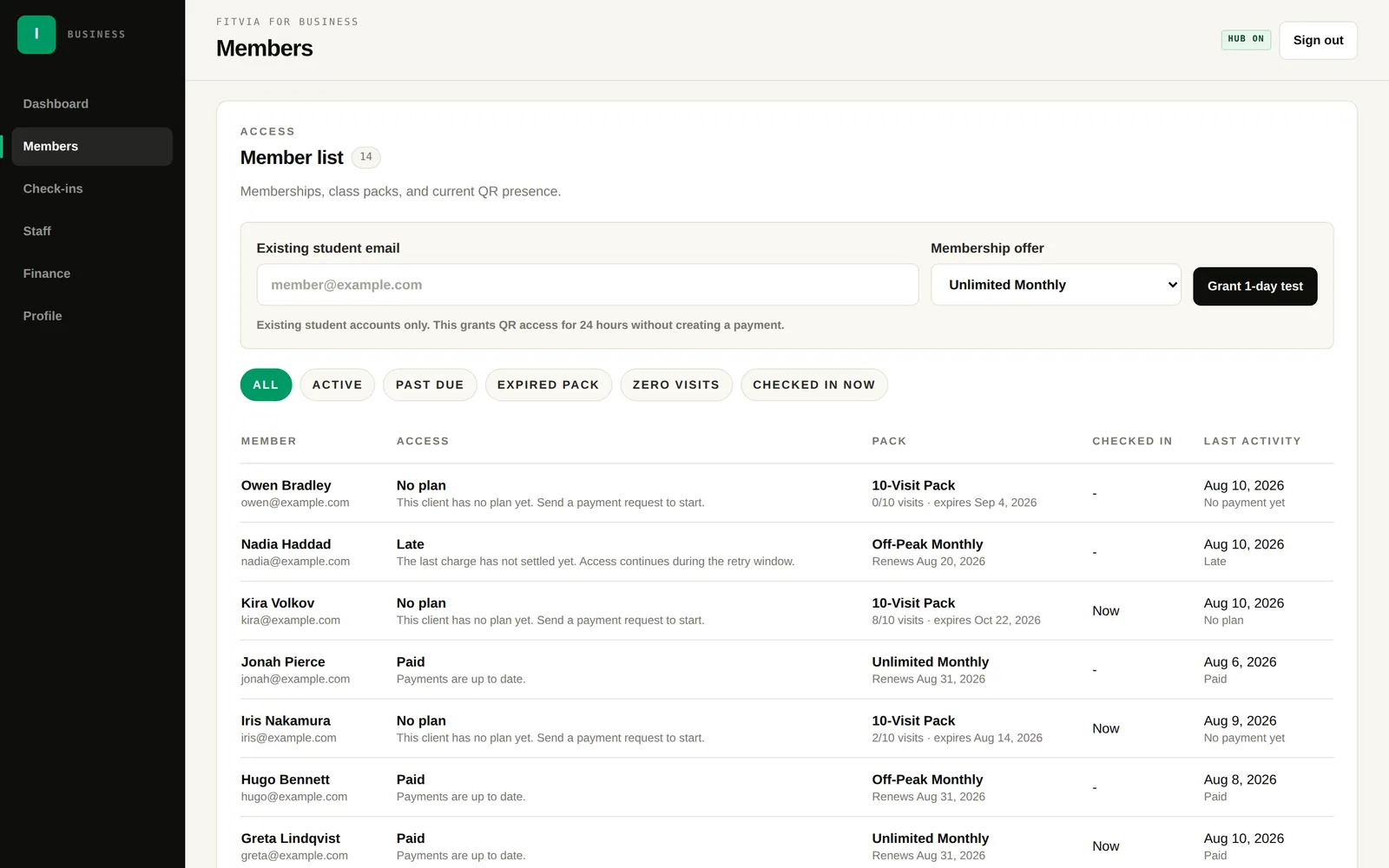
One list showing membership, pack balance, and who is inside right now. Filter by active, past due, expired pack, zero visits, or checked in now.
Grant a 24-hour trial pass, and read an access status that reflects what the door will actually do.
Printable venue QR for the entrance, a live monitor with photos and refusal reasons, and unlimited restricted staff logins.
Up to eight photos with captions and your own ordering, plus business type, address, hours context and description.
A page built for search, with your offers and reviews on it, listed in the Fitvia Hub directory and searchable by distance.
Three modes: warn only, block once payment is genuinely late, or block the moment anything is outstanding.
Also included, no tiers
Members, memberships, packs, QR check-in and payments, with no monthly subscription and no per-member pricing. See the full fee breakdown.
Added on top of your price at checkout — the member pays it, not you.
Standard card processing, taken from the payout.
Members, QR check-in, unlimited staff logins, and your Fitvia Hub listing.
A $100.00 membership → member pays $102.00 → you keep $95.72.
No. Fitvia is not a class-booking system — there is no timetable, no class capacity, and no reserved spots. You sell access, members walk in, and the QR decides who gets through.
The member. You print the venue QR and put it at the entrance; they scan it with their phone camera, or with the in-app scanner on iPhone. The front desk watches the results come in on a live monitor.
Not as trainers. You can create unlimited front-desk staff logins, but those only open the check-in monitor. Trainers on Fitvia run their own separate workspace with their own clients and payouts.
The member does. The 2% platform fee is added on top of your price at checkout, so your list price is what your side of the transaction is based on.
That is up to you. Three modes decide how strict the door is: warn only, block once payment is genuinely late, or block the moment anything is outstanding. The refused member and the reason both show up on the monitor.
No. Every feature, including your public Fitvia Hub listing and unlimited staff logins, is free to use. You only pay processing fees when a member actually pays you.
Set up your account today, add your first membership, and print the venue QR. Nothing is locked behind a plan, and nothing is charged until a member pays you.